
DIY: Setting Up Your UK Wireless Home Technology System


Introduction to Wireless Home Technology
In the modern UK home, a wireless technology system can enhance convenience and efficiency. From smart lighting to automated security, setting up a wireless system can transform your living space into a tech-savvy haven. This guide will walk you through the basics of setting up your own system without the need for professional installation.

Planning Your Setup
Before diving into the installation, it's crucial to plan your system. Consider the specific needs of your household. Do you want to control lighting, security, or heating? Create a list of devices you plan to incorporate and ensure they are compatible with a single platform for seamless integration.
Research the best products available in the UK market. Brands like Philips Hue for lighting and Ring for security are popular choices. Ensure that the devices you choose support the wireless protocols you intend to use, such as Zigbee or Z-Wave.
Budgeting
Set a budget for your wireless home technology system. Costs can vary depending on the complexity and number of devices. Start with essential devices and expand your system over time. Look for deals and bundles that might help reduce costs.
Choosing a Hub
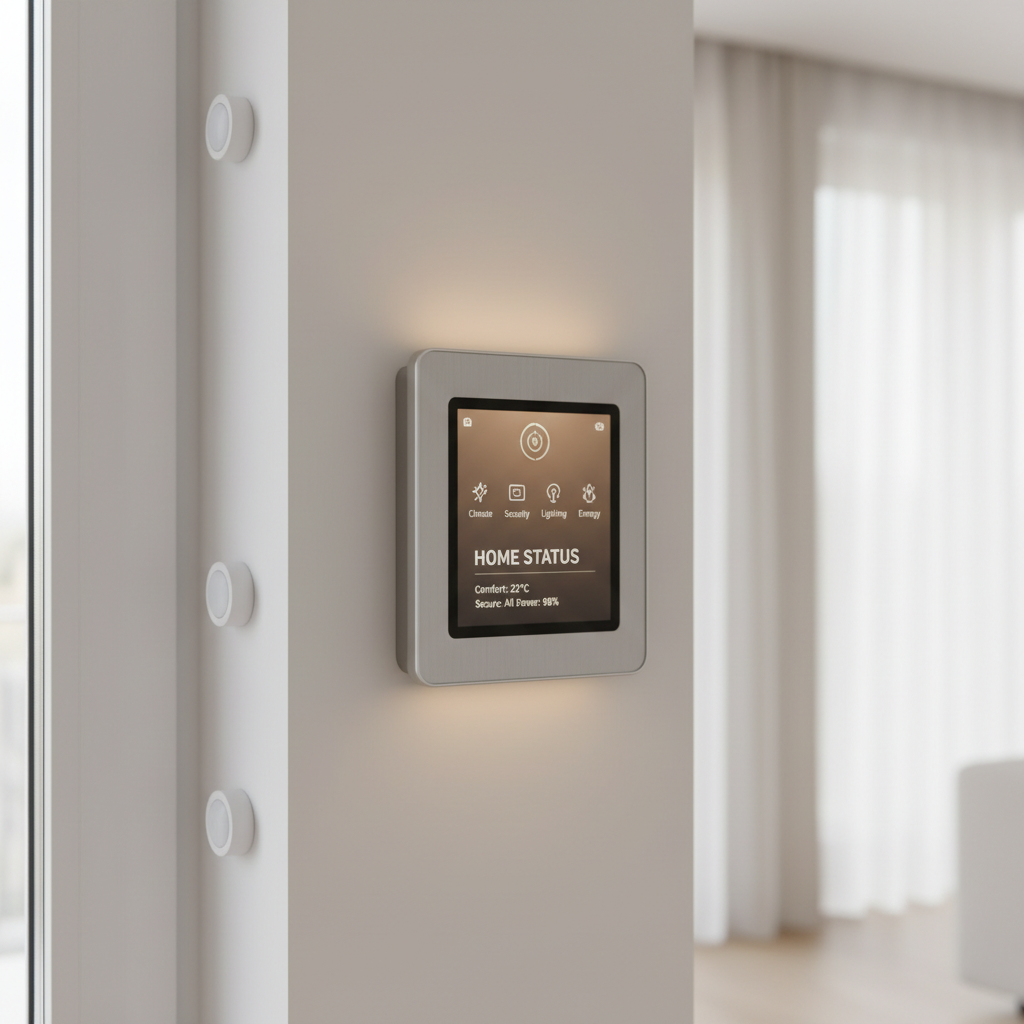
A central hub is crucial for controlling your devices. Choose a hub that supports multiple wireless protocols and is compatible with your chosen devices. Popular options include Samsung SmartThings and Amazon Echo Plus, which offer extensive compatibility and user-friendly interfaces.
Installation Process
Once you have your devices and hub ready, it’s time to install. Follow these steps for a smooth setup:
- Connect your hub to your home Wi-Fi network.
- Install the corresponding app on your smartphone or tablet.
- Add devices to your hub by following in-app instructions.
- Test each device to ensure it responds correctly to commands.
Securing Your System
Security is a top priority when setting up a wireless home system. Ensure your Wi-Fi network is secure by using a strong password and regularly updating your router’s firmware. Enable two-factor authentication on your accounts to add an extra layer of security.

Troubleshooting Tips
If you encounter issues during setup, check for common problems such as network interference or device compatibility. Restart your hub and devices if they fail to connect. Consult online forums or the manufacturer’s support for additional help.
Expanding Your System
As technology evolves, you might want to expand your system with new devices. Regularly update your apps and firmware to ensure compatibility and security. Consider adding devices like smart thermostats or voice assistants to further enhance your smart home experience.
Setting up a wireless home technology system can be a rewarding DIY project. With careful planning and the right tools, you can enjoy a more connected and efficient living space.