
Smart Mirror Installation: A Step-by-Step Guide for Homeowners


Introduction to Smart Mirrors
Smart mirrors are revolutionizing the way we interact with our daily routines, offering a blend of technology and functionality. These mirrors can display the time, weather, news updates, and more, all while reflecting your image. If you're considering adding a smart mirror to your home, this guide will walk you through the installation process.
Essential Tools and Materials
Before you begin, gather the necessary tools and materials. You will need:
- A smart mirror kit
- Screwdriver
- Measuring tape
- Level
- Drill
- Wall anchors
- Mounting brackets
Having these items ready will streamline the installation process and ensure you don't have to pause to find tools.
Choosing the Right Location
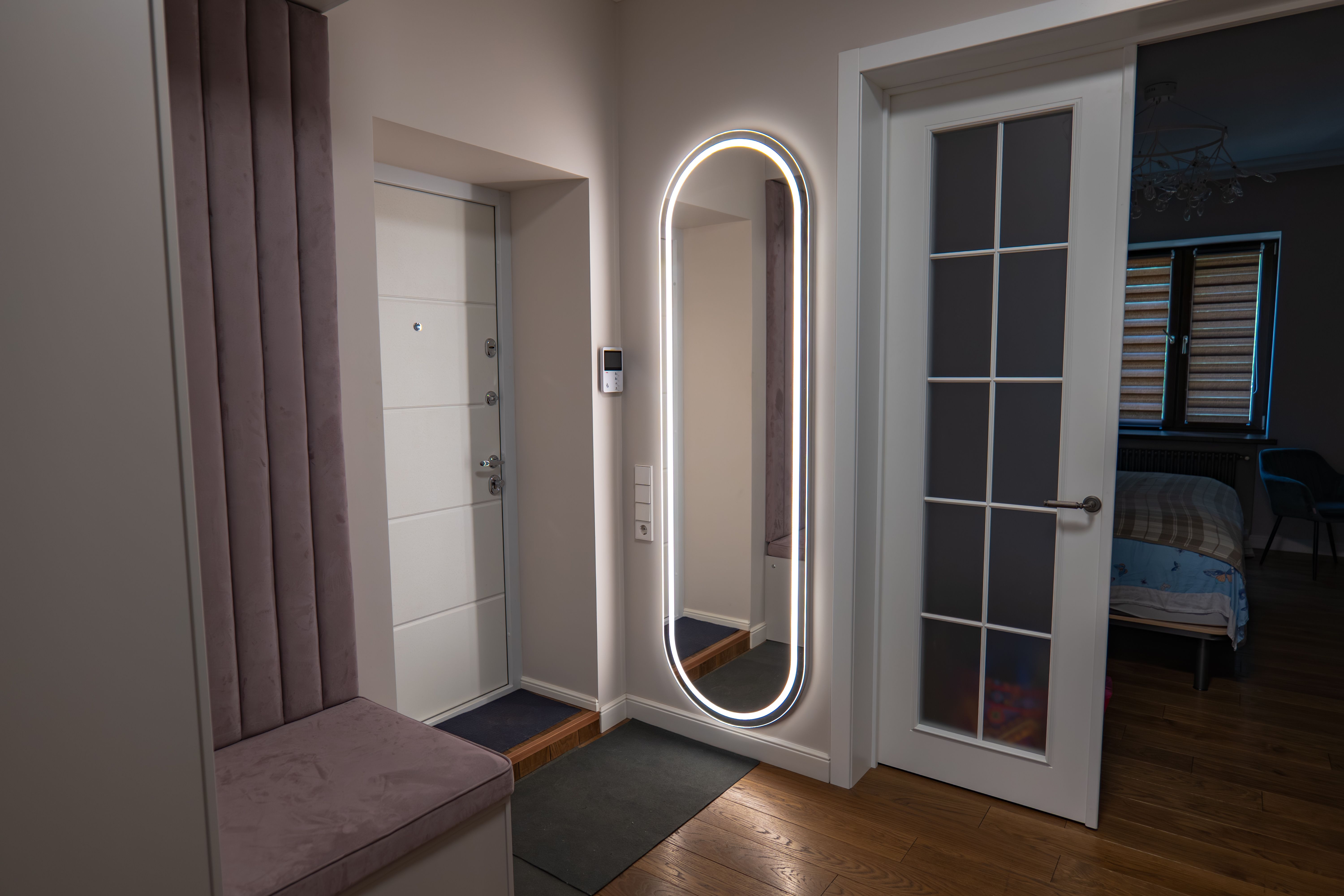
Choosing the right location for your smart mirror is crucial. Consider areas where you spend a lot of time, such as the bathroom, bedroom, or entryway. Ensure the location has access to an electrical outlet, as the mirror will require power to function.
Installing the Smart Mirror
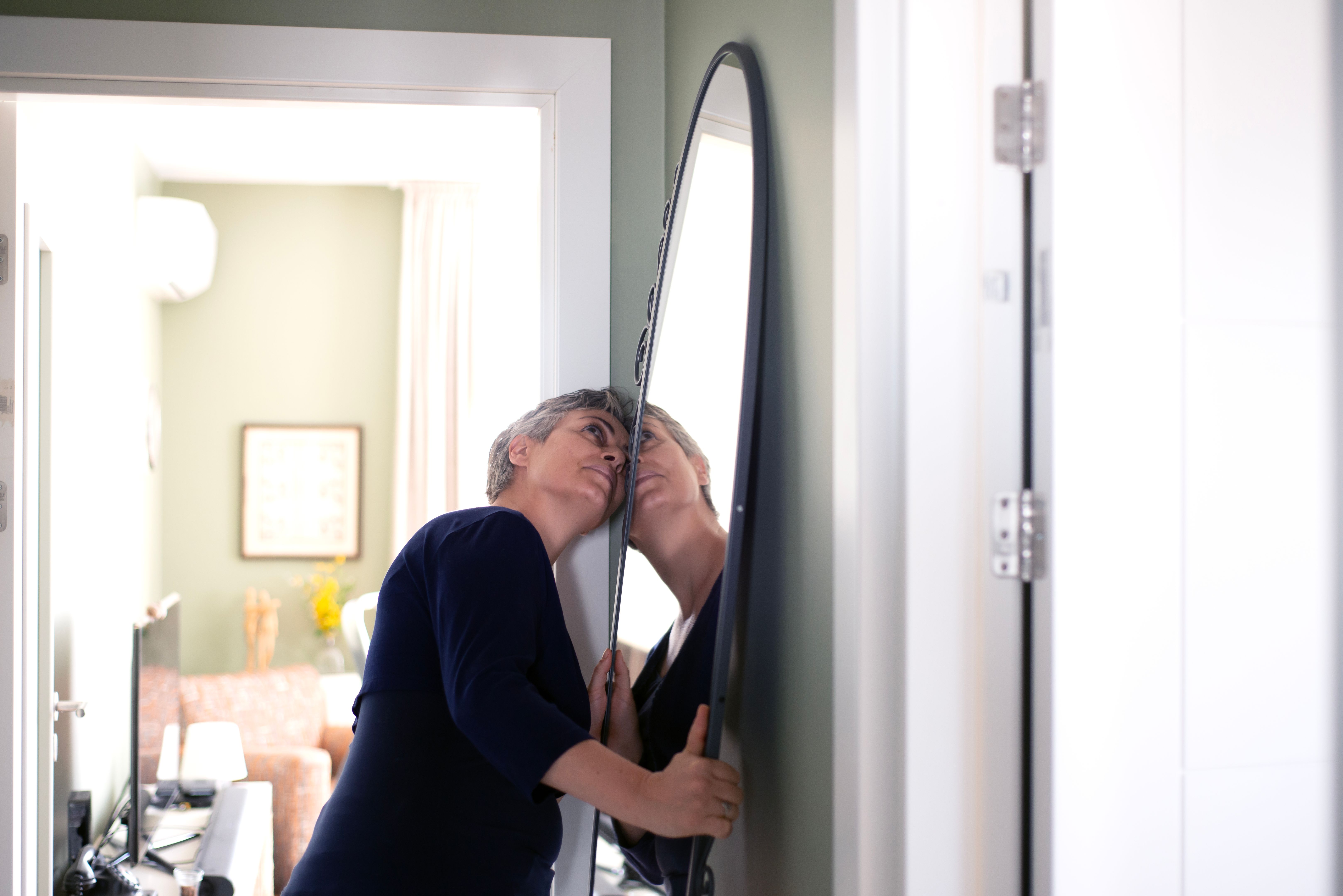
Once you've chosen the perfect location, it's time to install your smart mirror. Follow these steps:
- Mark the Spot: Use the measuring tape and level to mark where you want to place the mirror.
- Mounting Brackets: Attach the mounting brackets to the wall using the drill and wall anchors for extra support.
- Secure the Mirror: Carefully hang the smart mirror onto the brackets, ensuring it is level and secure.
Connecting to Power and Wi-Fi
With the mirror securely mounted, it's time to connect it to power and Wi-Fi. Plug the mirror into a nearby electrical outlet. Then, follow the manufacturer's instructions to connect the mirror to your home Wi-Fi network. This connection will enable all smart features.

Customizing Your Smart Mirror
After installation, personalize your smart mirror settings. Most smart mirrors allow you to customize the display, choosing what information you want to see. Popular options include clock, weather updates, and calendar events. Adjust these settings to fit your lifestyle needs.
Troubleshooting Common Issues
Should you encounter any issues with your smart mirror, here are some common solutions:
- No Power: Check if the mirror is properly plugged in and the outlet is functioning.
- Wi-Fi Connection Problems: Ensure your Wi-Fi network is active and the password is correct.
- Display Issues: Restart the mirror or consult the user manual for guidance.
Conclusion
Installing a smart mirror can greatly enhance your living space, providing both practical information and a modern aesthetic. By following this step-by-step guide, you can confidently install and customize your smart mirror, elevating your home's functionality and style.